
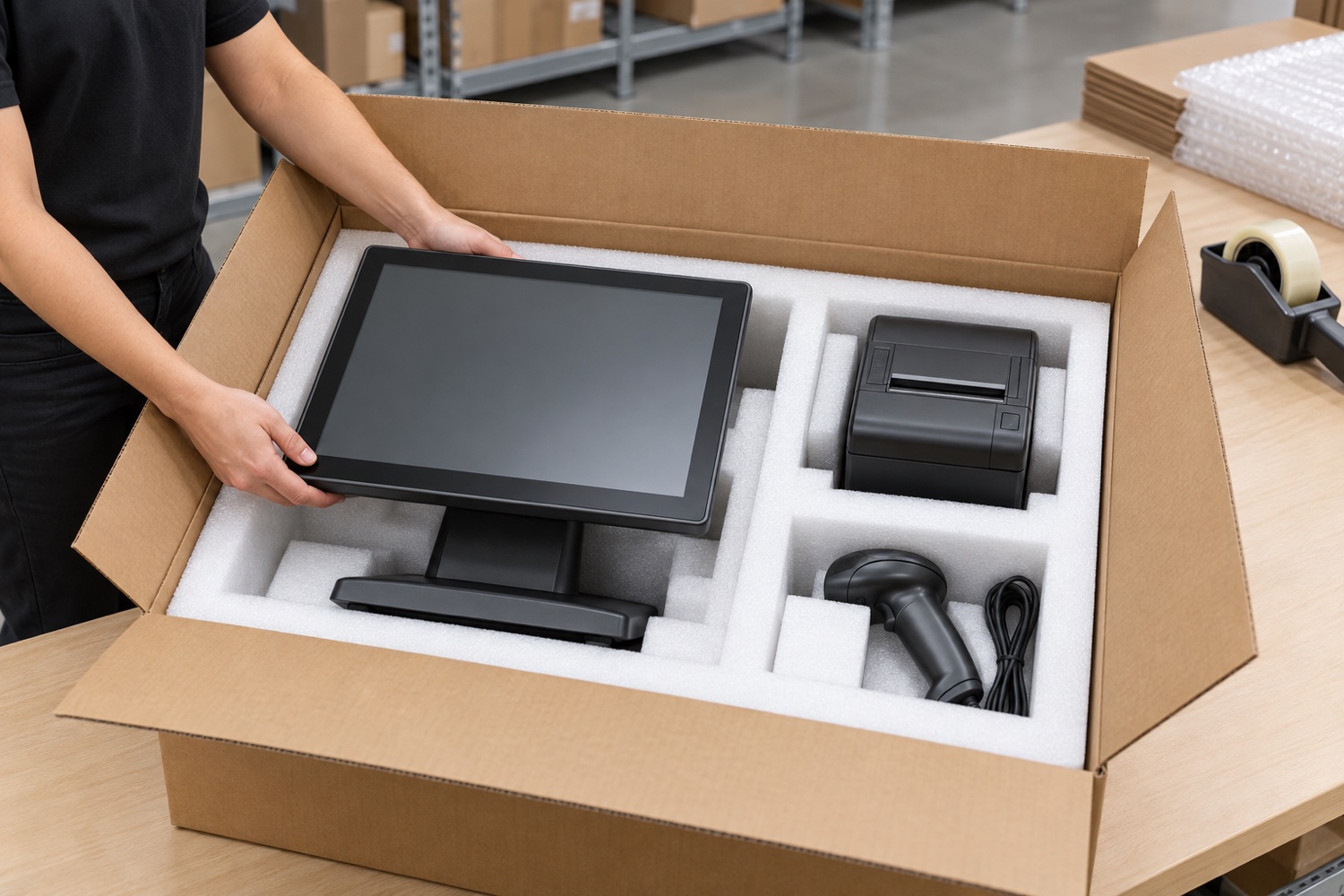
A retail POS kit often includes a display, printer, scanner, cables and power adapters. Putting every part into one carton is not enough: a scratched screen, a cable pressing against a device or an open printer lid can delay installation at the destination.
Match kit contents to the dispatch list
Create a product-code and quantity record for each device and accessory. Where possible, separate removable stands, mounts or printers; prevent sharp edges from contacting the screen. Keep small parts in closed bags or dedicated compartments.
Support the display and printer in separate positions. The POS terminal’s weight should not rest on the screen or protruding connectors. Trial the insert with different device dimensions if the packaging must serve more than one model.
Check cables and moving parts
Coil cables without tight knots and protect their ends. If a printer has a removable tray or moving cover, secure it according to the maker’s instructions. Place the barcode scanner stand and cable in their own compartment.
Size the carton so the lid closes without pressure once all parts are restrained. Seal the bottom and top seams with carton tape, keep the shipping label and store location readable, and recount the kit before closure.
Make receipt and installation checks straightforward
Match store or branch details, order number and piece count to the warehouse system. For pallet shipments, stack cartons in stable layers and check that stretch-wrap tension does not crush carton edges.
Send a pilot pack to a representative store and record opening and setup time. Note missing accessories, cable damage or screen marks, then adjust the compartment design. Give warehouse teams a visual packing instruction for repeatable packing.
Sources and further reading
Accessed 30 October 2026. Follow current manufacturer, carrier and applicable regulatory instructions for the actual shipment.
Review packaging for your process
Share product dimensions, pack configuration and shipping route so suitable packaging options can be reviewed.
Frequently asked questions
Can POS equipment ship in one carton?
Yes, if every device and accessory is held in a separate position without pressure between items.
Should printer parts be packed separately?
Removable trays, stands and cables are easier to protect and identify in dedicated compartments.
How should cartons be secured on a pallet?
Keep them within the pallet footprint and validate balanced stacking and controlled stretch wrapping on a sample load.