
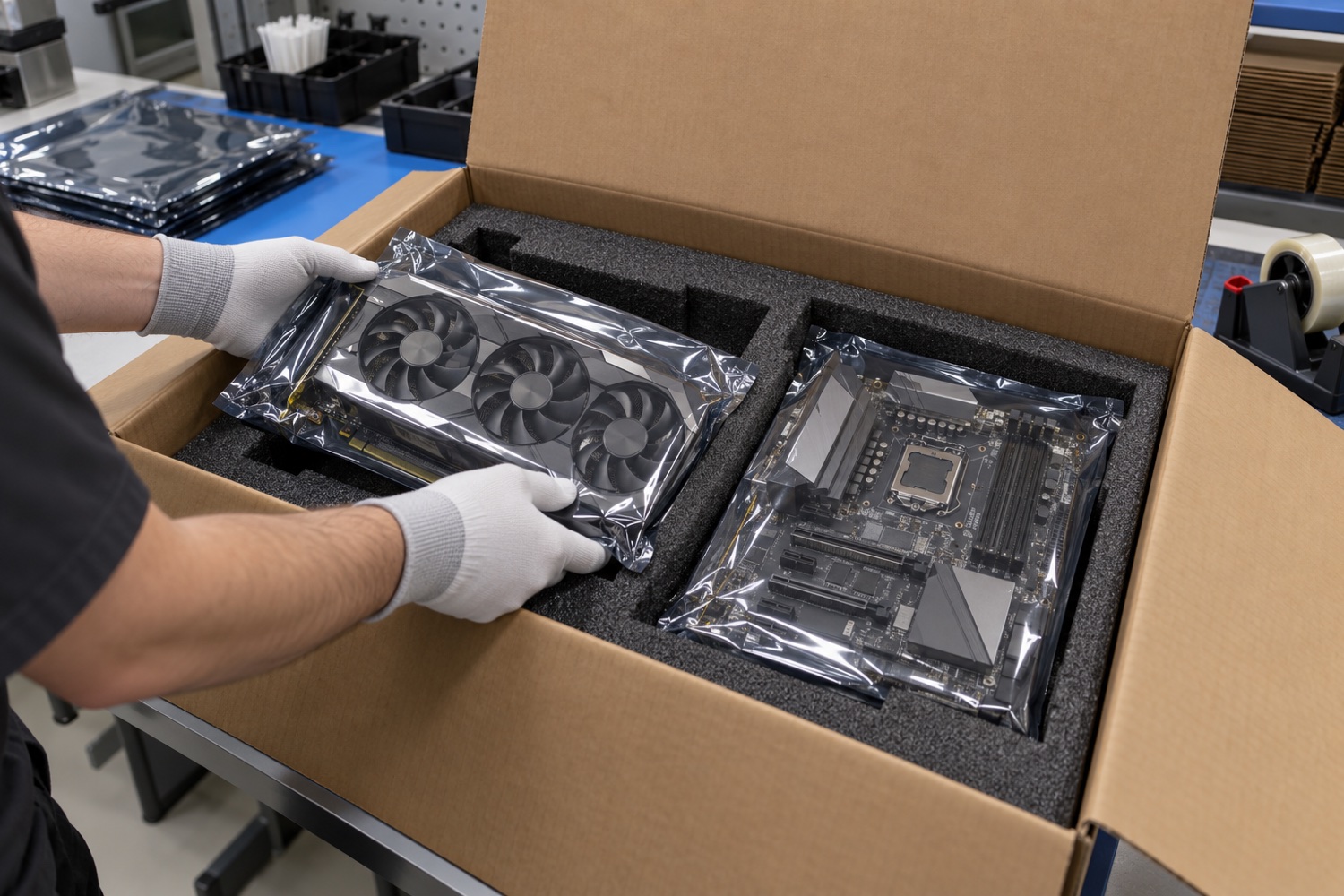
Desktop PCs and graphics cards vary in weight, sensitivity and assembly state. A carton designed for an empty case does not automatically protect a fully built computer. Assess the manufacturer’s pack, ESD sensitivity, internal restraint and outer shipping conditions together.
Identify the contents and sensitive components
Record whether the case is empty or contains a motherboard, graphics card and cooler. Check manufacturer instructions for parts that may loosen in transit or for large graphics cards; document the device’s basic condition before dispatch.
Keep bare electronic components in ESD-protective packaging as specified by the maker. UPS notes that EPS filler can create static and recommends anti-static foam for electronic items. An ESD bag or foam does not by itself provide impact protection.
Restrain the case, card and accessories separately
The case and heavy parts should not shift inside the carton; avoid point pressure on a graphics card or cooler. Pack cables, adapters and mounting hardware in a separate compartment. If using the manufacturer’s carton, check that its supports are intact and fit the exact model.
The outer carton base should support the full packed weight and its flaps should close properly. Seal the centre seam and edges with suitable carton tape. Tape helps close the carton; it does not replace ESD protection or internal restraint.
Complete damage and data checks before dispatch
Record serial numbers, included accessories, physical condition and carton closure before shipment. For business devices, follow your organisation’s data-security process for sensitive information stored on drives.
Run a representative handling trial and check that parts have not shifted, foam has not collapsed and the case has no scratches. For heavier multi-unit loads on a pallet, distribute weight evenly and verify that external wrap does not crush cartons.
Sources and further reading
Accessed 30 October 2026. Follow current manufacturer, carrier and applicable regulatory instructions for the actual shipment.
Review packaging for your process
Share product dimensions, pack configuration and shipping route so suitable packaging options can be reviewed.
Frequently asked questions
Can a built PC use a carton intended for an empty case?
Only if the carton and supports are rated for the packed weight and installed components.
Is an antistatic bag enough for a graphics card?
No. ESD protection should be paired with suitable cushioning and a sturdy outer carton.
Can stretch film protect a PC carton by itself?
No. It can help unitise a pallet load but does not replace product or carton protection.